How to Add Balance in SMM Panel: Complete Guide
How to Add Balance in SMM Panel: Complete Guide
Adding funds to your account is one of the first steps before purchasing any social media marketing service.
If you're wondering how to add balance in SMM panel,
the process is usually straightforward, but it can vary slightly depending on the provider and available payment methods.
Understanding how deposits work helps you avoid payment issues, complete transactions faster, and start placing orders without delays.
Whether you're a beginner or managing multiple client campaigns, this guide explains every step of funding your account, choosing the right payment method, troubleshooting payment problems, and using your balance efficiently.
Why Adding Balance to an SMM Panel Matters
Before placing your first order, your account needs sufficient funds. Most SMM panels operate on a prepaid wallet system, meaning you deposit money first and then spend it on services like followers, likes, views, comments, and engagement.
A funded account also lets you place orders instantly without entering payment details every time. If you're using a fastest SMM panel, quick balance updates become even more important because services often begin processing immediately after your order is submitted.
How to Add Balance in SMM Panel (Step-by-Step)
Most SMM panels follow a very similar process regardless of the payment gateway they use.
Step 1: Log Into Your Account
Sign in using your registered email or username.
After logging in, locate the Add Funds, Deposit, Wallet, or Balance option from the dashboard.
Step 2: Navigate to the Add Funds Page
Click the balance section from your account dashboard.
Here you'll usually see:
- Current wallet balance
- Deposit history
- Supported payment gateways
- Minimum deposit amount
- Processing information
This is where you'll begin the how to add funds in SMM panel process.
Step 3: Select Your Preferred Payment Method
Different SMM panels support different gateways.
| Payment Method | Speed | Best For |
|---|---|---|
| PayPal | Instant | International users |
| Credit/Debit Card | Instant | Most users |
| Cryptocurrency | 5-30 minutes | Global payments |
| Bank Transfer | 1-3 business days | Large deposits |
| Local Payment Gateways | Instant | Country-specific users |
Choosing the right SMM panel payment methods depends on your country, processing fees, and convenience.
How to Deposit Money in SMM Panel Using PayPal
PayPal remains one of the safest options for many users.
The process is simple:
- Choose PayPal.
- Enter the deposit amount.
- Log into PayPal.
- Confirm payment.
- Return to the panel.
Many users searching how to add balance using PayPal in SMM panel appreciate that PayPal offers buyer protection and nearly instant processing.
How to Add Balance Using Cryptocurrency in SMM Panel
Crypto payments have become increasingly popular because they work globally.
Common supported coins include:
- Bitcoin (BTC)
- Ethereum (ETH)
- Litecoin (LTC)
- USDT
- TRON
To complete the payment:
- Select Cryptocurrency.
- Choose the coin.
- Copy the wallet address.
- Send the exact amount.
- Wait for blockchain confirmation.
If you operate a world SMM panel, cryptocurrency often becomes the easiest payment option for international customers.
How to Add Balance Using Bank Transfer in SMM Panel
Bank transfers are ideal for agencies making large deposits.
Typical process:
- Select Bank Transfer.
- Receive banking details.
- Complete the transfer.
- Upload payment proof if required.
- Wait for manual approval.
Although slower than online gateways, it is often preferred for high-value transactions.
Minimum Deposit Amount in SMM Panel
Every provider sets its own deposit limit.
Typical examples include:
| Panel Type | Minimum Deposit |
|---|---|
| Beginner Panels | $1-$5 |
| Professional Panels | $10-$20 |
| Agency Panels | $20-$100 |
Always verify the minimum deposit amount in SMM panel before making your payment.
Depositing slightly more than the minimum also gives you flexibility to test multiple services.
Best Payment Method for SMM Panel
There isn't a single payment method that's best for everyone.
Here's a comparison:
| Payment Method | Advantages | Considerations |
|---|---|---|
| PayPal | Secure and instant | Limited availability |
| Credit Card | Fast and convenient | Possible bank verification |
| Cryptocurrency | Worldwide support | Price volatility |
| Bank Transfer | Suitable for large deposits | Slower processing |
The best payment method for SMM panel depends on your location, transaction size, and preferred payment experience.
How to Recharge SMM Panel Account Safely
Security should always come before convenience.
Before depositing:
- Use HTTPS-secured websites.
- Verify the domain name.
- Enable two-factor authentication if available.
- Never share payment credentials.
- Save transaction receipts.
These precautions make it much safer to recharge your SMM panel account without unnecessary risks.
Is It Safe to Add Balance in SMM Panel?
Yes, provided you're using a reputable provider.
A trustworthy panel typically offers:
- Secure SSL encryption
- Verified payment gateways
- Transparent refund policies
- Responsive customer support
- Positive customer reviews
If you're choosing between providers, exploring a wholesale SMM panel with established payment systems can reduce payment-related concerns.
How Long Does SMM Panel Balance Take to Update?
Processing times depend on the payment gateway.
| Payment Method | Expected Update Time |
|---|---|
| Credit Card | Instant |
| PayPal | Instant |
| Crypto | 5-30 minutes |
| Local Gateway | Instant |
| Bank Transfer | 1-3 business days |
Understanding how long does SMM panel balance take to update helps you plan campaigns without unexpected delays.
Payment Successful but Balance Not Added in SMM Panel
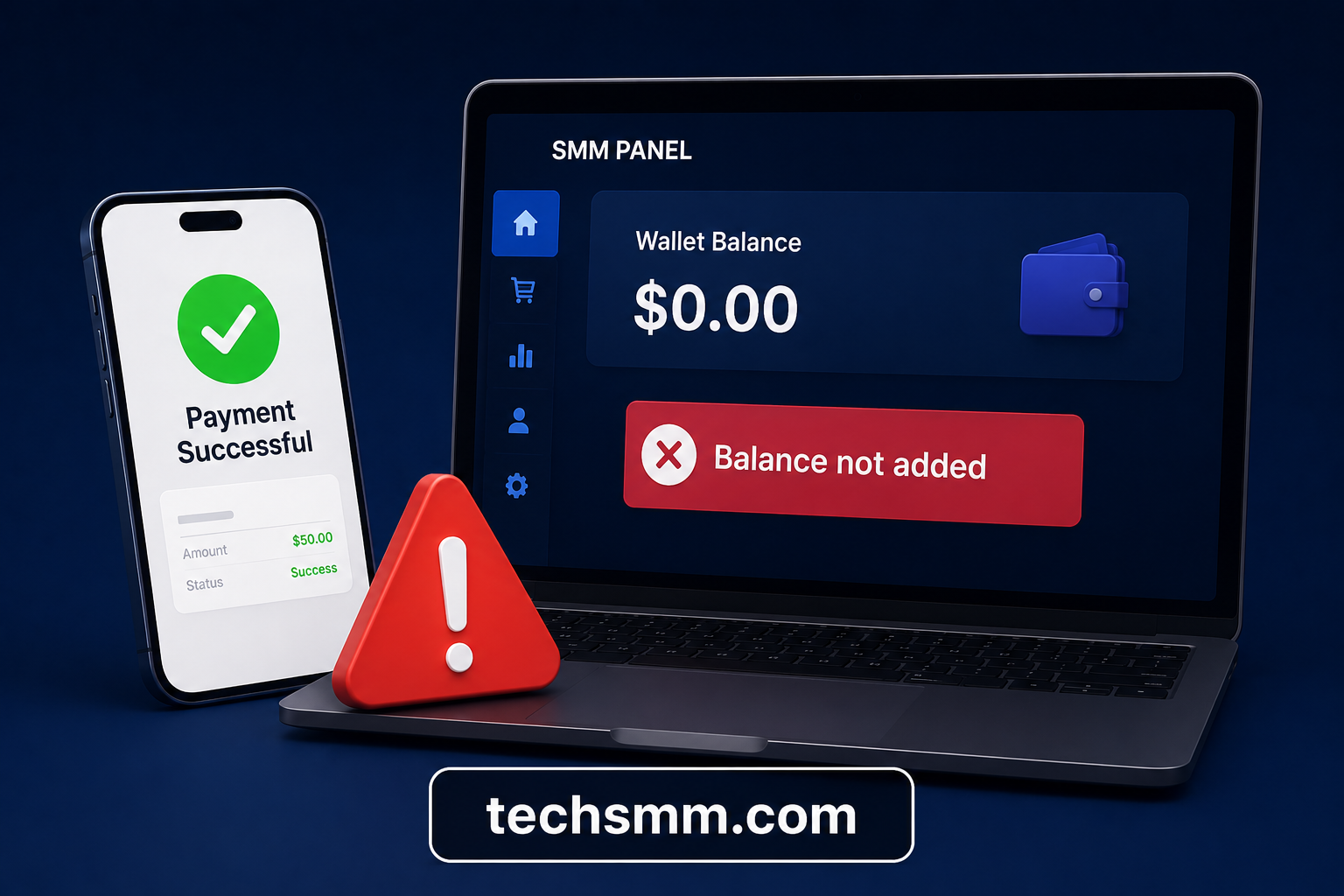
Occasionally, payments complete successfully while the wallet remains unchanged.
Possible reasons include:
- Payment gateway delay
- Blockchain confirmation pending
- Manual verification
- Incorrect payment amount
- Temporary server issue
If your payment successful but balance not added in SMM panel, gather:
- Transaction ID
- Screenshot
- Payment receipt
- Registered email
Then contact support with complete information for quicker resolution.
Why Is My SMM Panel Balance Not Updating?
Sometimes deposits remain pending longer than expected.
Common causes include:
- Incorrect wallet address
- Bank processing delay
- Payment verification
- Network congestion
- Payment gateway maintenance
Most reputable providers resolve these issues within a reasonable timeframe once the payment is verified.
How to Add Wallet Balance in SMM Panel Efficiently
Frequent users often maintain wallet funds rather than making payments before every order.
Benefits include:
- Faster checkout
- Instant order placement
- Easier campaign management
- Better budgeting
- Reduced payment interruptions
Knowing how to add wallet balance in SMM panel efficiently helps agencies manage multiple client projects without delays.
How to Buy SMM Panel Credits
Some panels describe wallet deposits as purchasing credits.
The process is identical:
- Deposit funds.
- Credits appear in your wallet.
- Credits become available for orders.
- Remaining balance stays for future purchases.
Understanding how to buy SMM panel credits ensures you know exactly how your wallet system functions.
How to Place an Order After Adding Balance in SMM Panel
Once your balance appears, ordering becomes straightforward.
Simply:
- Choose the service.
- Paste the social media link.
- Enter the quantity.
- Review pricing.
- Submit the order.
After learning how to place an order after adding balance in SMM panel, you'll notice that prepaid wallets make repeat purchases much faster.
If you're looking for affordable Instagram growth services afterward, exploring a cheapest Instagram SMM panel can help you maximize your marketing budget.
Tips for Managing Your SMM Panel Balance
Good balance management prevents interruptions during campaigns.
Consider these best practices:
- Deposit enough for upcoming campaigns.
- Track payment history regularly.
- Save invoices and receipts.
- Monitor wallet activity.
- Avoid making multiple duplicate payments.
- Verify payment gateway fees before depositing.
These habits help you use SMM panel balance more efficiently while minimizing unnecessary payment issues.
Common Mistakes to Avoid When Adding Funds
Many beginners experience avoidable problems during their first deposit.
Avoid these mistakes:
- Sending crypto to the wrong address.
- Depositing below the minimum amount.
- Closing the payment page before confirmation.
- Ignoring payment gateway instructions.
- Forgetting to verify successful transactions.
Being careful during the payment process saves time and reduces support requests.
Final Thoughts
Learning how to add balance in SMM panel is an essential step for anyone using social media marketing services.
Knowing how to add balance to your SMM panel account makes buying services easier.
You can use PayPal, cryptocurrency, bank transfer, or other payment methods. Adding funds correctly helps you avoid delays and place orders without problems.
Always use secure payment gateways, verify your transactions, and choose reliable SMM providers with transparent policies.
Once your wallet is funded, you'll be ready to purchase services quickly and manage your campaigns much more efficiently.