
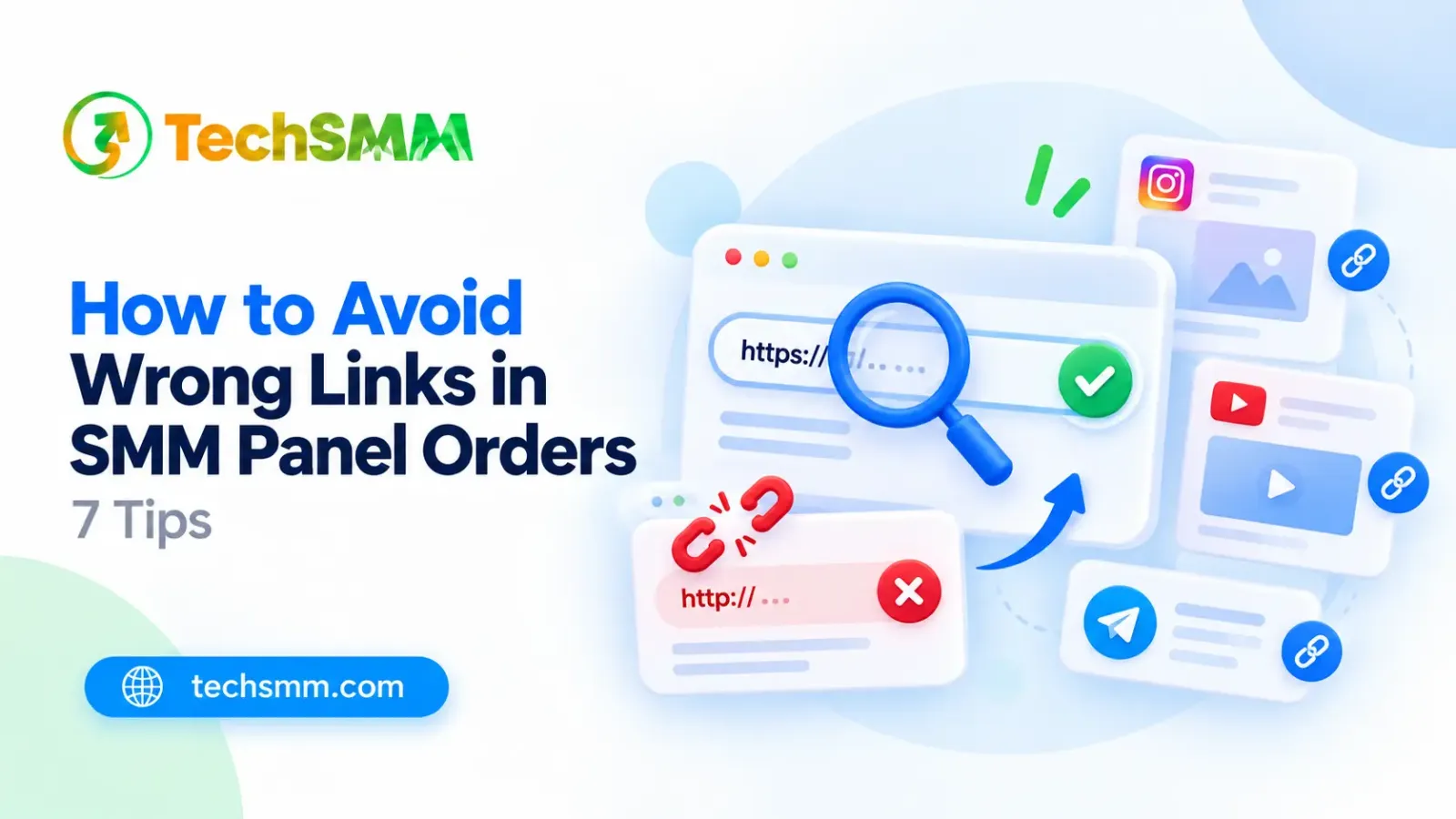
How to Avoid Wrong Links in SMM Panel Orders: 7 Tips
You purchase the SMM panel and wait to receive likes, followers, or views. But what if you enter a wrong link? A tiny mistake in your URL might delay your order, make it fail, or even send it to the wrong post.
Learning how to avoid wrong links in SMM panel orders helps you save time and money. When you buy Instagram likes, Facebook followers, TikTok views, or YouTube subscribers, you should be sure that you are using the right link.
Here are 7 easy steps to find, copy, and check your links. You will also see how to check your links before ordering on TechSMM.
Why Correct Links Matter in SMM Panel Orders?
SMM panels use automation tools to handle social media orders. When you place an order, the tool uses your URL to locate the right social media profile, post, or video. A wrong link can lead to failure, delays, or delivery to the wrong content.
Below are the reasons for checking your link before ordering:
- Order Delivering Correctly: Most SMM panels use automated APIs to deliver an order. If you order Instagram likes but enter a profile link instead of a post link, the system may reject your order. Always use the right URL for your service.
- Do Not Lose Your Money: A mistake in your URL can be costly. Sometimes an SMM panel does not provide a refund for an order processed with an incorrect URL.
- Avoid Unnecessary Delays: An incorrect or broken URL can delay order processing. Sometimes the provider has to check the order first before starting it.
- Check the Account Access: Most SMM services work only with a public profile, post, or video. Even a correct URL may not be enough because of your account settings. Check the URL in private mode.
Taking a few seconds to check your link can save time, reduce order mistakes, and help your SMM services reach the right content.
Common Link Mistakes SMM Panel Users Make
A simple error in a URL can delay your order or send it to the wrong place. This happens because most people don't check their URLs before ordering. Below are four common errors and how to prevent them.
Submitting Profile Links Instead of Post Links
Different services need different URLs. For instance, Instagram followers usually need your profile URL, while Instagram likes need the specific post URL. A wrong URL type can lead to an unsuccessful order. Learn the requirements of each service and consult the Instagram Help Center when needed.
Copying the Wrong Video or Post URL
You might link to the wrong TikTok video or Facebook post. Even when the link works, the order could go to the wrong content. Open the link before placing your order to make sure it is correct.
Using Broken or Incomplete Links
Missing characters, typing errors, or extra spaces can make a URL invalid. Some shortened URLs may not work if the panel does not accept them. The best way is to copy the URL from the social media platform itself instead of typing it.
Choosing Links That Don't Match the Selected Service
Each SMM panel service has its own link rules. For instance, YouTube subscribers need a channel link, but YouTube views need a video link. Check the service and make sure your URL matches it.
These tips can help you prevent mistakes when ordering on SMM panels. Always check your service and URL before you order.
How to Avoid Wrong Links in SMM Panel Orders: 7 Tips
Do not want to face order failures and delivery issues? Here are seven easy ways to make sure your SMM services reach the correct content.
1. Copy the URL From the Official Social Media Platform
Always copy links directly from Instagram, Facebook, TikTok, or YouTube. Tap on the content, click the Share icon, and then click Copy Link. Never copy links from other sites because they might lead to the wrong URL.
2. Check the Content Before Copying the Link
Make sure you have opened the right post, video, or profile that you want to promote. For instance, if you want likes on your Instagram picture, open the picture itself rather than the profile page.
3. Match Your URL With the Selected SMM Service
Each type of SMM service works on a certain social media platform. A TikTok link will not work for a Facebook views service. When ordering, pay attention to the service title and the platform category.
4. Understand Which Link Format the Service Accepts
Some services use usernames, while others use URLs. For instance, an Instagram followers service uses instagram.com/username, and an Instagram post likes service needs a URL that contains /p/ or /reel/. Follow the format given in the service description.
5. Make Sure Your Content Is Public
Many SMM providers do not process orders for private content. Before ordering, make sure your account settings allow others to see the content. Open the URL in private browsing mode to check this.
6. Check for Missing Characters and Unnecessary Spaces
An extra space or a missing character can make the link invalid. After you paste the link, make sure it is complete, starts with "https://", and contains the correct username or content address. If the system rejects a shortened link, use the full link.
7. Review Your Order Details Before Submitting
Check your service, URL, and quantity before pressing Submit. For instance, if you are buying 500 YouTube views, make sure the right video and amount are selected. The right URL is necessary when you use a YouTube SMM panel.
Following these tips will help you keep wrong links out of your orders.
How to Find the Correct Link for Each Social Media Platform
The URL structure is not the same on every social media site. It is important to know how to get the correct URL before ordering from an SMM panel. The following steps will help you find the correct URL on four platforms.
Instagram Profile and Post Links
Instagram uses different links for profiles, posts, and Reels. If you want to order followers, you usually need your profile URL. For post likes or Reel views, you need the link to that specific content.
To find the correct Instagram link:
- Open Instagram and visit your profile, post, or Reel.
- For a profile, use the Share Profile option or copy its browser URL.
- For a post or Reel, tap the Share icon and select Copy Link.
- Check whether the URL contains the correct username, /p/, or /reel/.
Before ordering, open the copied link to make sure it leads to the right Instagram content.
Facebook Post and Page Links
Facebook Page links and post links serve different purposes. A Page follower service usually needs your Page URL, while post reactions or comments need a specific post link.
Follow these steps to copy the correct Facebook URL:
- Open Facebook and visit the Page or post you want to promote.
- For a Page, copy the URL from your browser.
- For a post, open its sharing options and select Copy Link.
- Check whether the link opens the correct Page or post.
If your selected SMM service requires public content, make sure your Facebook post is visible to everyone before placing an order.
TikTok Video Links
TikTok video links point to specific videos. When you order TikTok views or likes, you must provide the URL of the specific video instead of your account.
This is how you can copy the link of your TikTok video:
- Open the TikTok mobile app or website.
- Find the video you want to promote.
- Tap Share and then Copy Link.
- Open the copied link in a web browser to make sure it is the correct video.
TikTok sometimes gives shortened links. If your SMM panel does not support them, use the video URL taken from the browser.
YouTube Video and Channel Links
YouTube video links are different from YouTube channel links. A subscriber service usually needs your channel URL, while video likes and views need a video URL.
Here is how to get your YouTube link:
- Open YouTube and find your video or your channel.
- For a video URL, select Share and then Copy.
- For a channel URL, go to your channel's main page and copy the URL.
- Make sure you have opened the correct video or channel.
YouTube video URLs usually include youtube.com/watch?v= or youtu.be/, while channel URLs often include youtube.com/@username.
Profile Link vs. Post Link: Which One Should You Use?
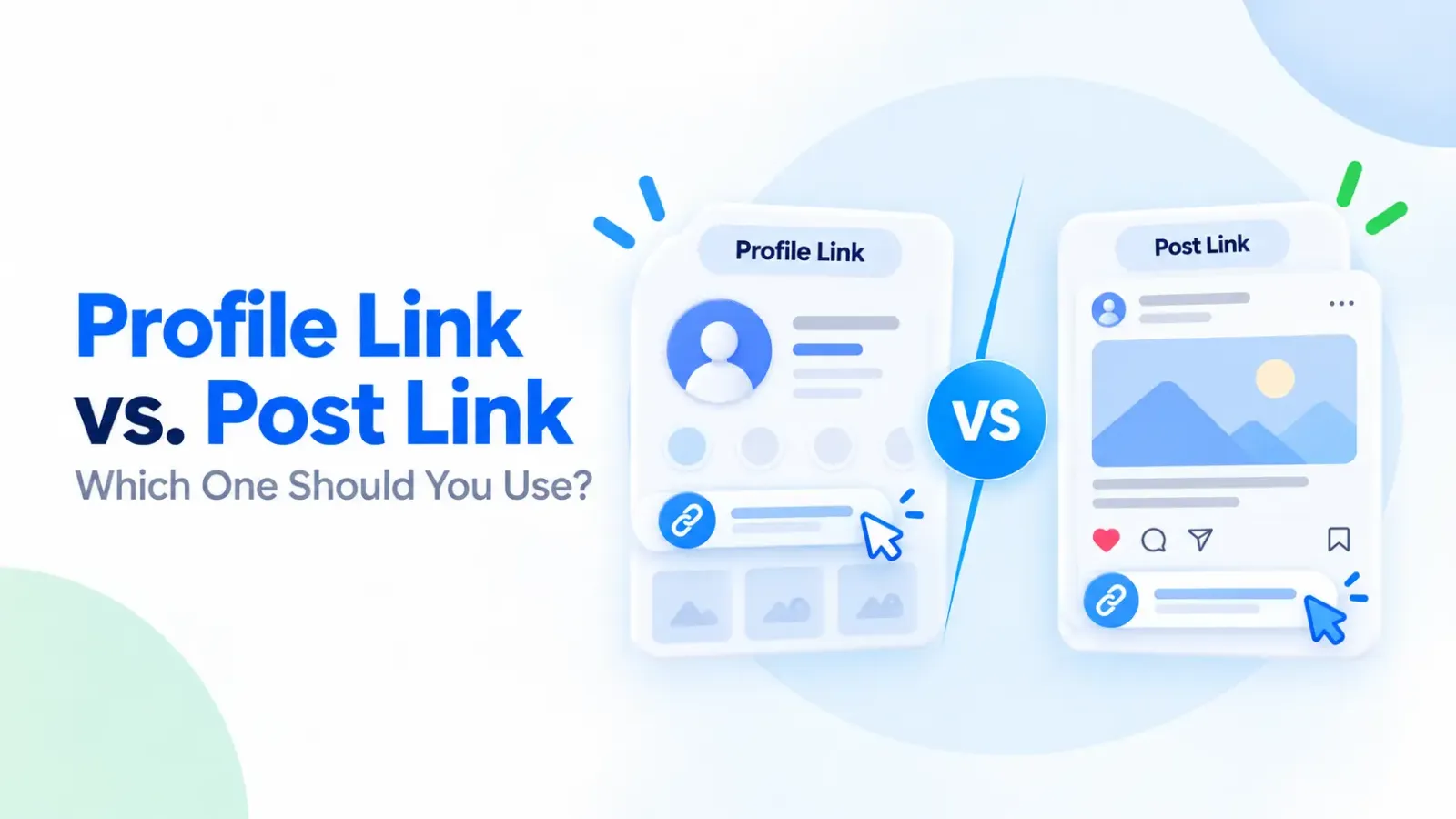
A profile link takes users to a social media account, page, or channel. A post link opens a specific photo, video, Reel, or post. The correct URL depends on the SMM service you select.
The table below shows which link type you should use for different social media services.
For example, if you order 500 Instagram followers, use your Instagram profile link. But if you order 500 likes for a Reel, copy that specific Reel's URL.
Some SMM services accept usernames instead of complete URLs. Always read the service description and follow its link requirements before placing an order.
How to Check Your Links Before Ordering on TechSMM
Check that your link is suitable for the chosen service before placing an order on TechSMM. The panel offers services for social media platforms such as Instagram, Facebook, TikTok, YouTube, and others.
Go to the TechSMM services page, pick your package, and read the required link details, pricing, and delivery information.
Then open your copied link in a browser to make sure it leads to the correct post, profile, or video. The content should be public if the service requires it.
If you are unsure about the right link format, contact TechSMM customer support.
TechSMM: Best SMM Panel in Bangladesh
TechSMM is a panel that provides social media marketing services for Facebook, Instagram, TikTok, YouTube, Telegram, and other platforms. Users can choose from services such as followers, likes, views, and comments.
TechSMM shows service descriptions, pricing, delivery details, the ordering process, and customer care information to help users place orders with confidence.
Before placing an order, review the required service, target link, quantity, and refund policy. This helps you avoid delivery delays and ordering mistakes.
Frequently Asked Questions About SMM Panel Links
What happens if I submit the wrong link in an SMM panel?
The order could fail, be delivered late, or go to the wrong content. Tell the provider as soon as you notice the mistake. Whether the order can be changed or canceled depends on its progress and the provider's policy.
Can I change the link after placing an order?
Some providers allow changes before the order starts, but many cannot change an active order. Contact customer support immediately and share your order number and the correct link.
Should I use a profile link or a post link?
Use a profile link for services like followers or subscribers. Use a specific post or video link for likes, comments, reactions, or views. Always check the instructions of the service you choose, since requirements may differ.
Why is my SMM order completed but showing no results?
First check whether you entered the right URL. Then verify the order's start count, the target content, and the delivery time. A completed status does not always mean results show up immediately. If the problem continues, report it to support.
Can I order services for a private social media account?
Many SMM services need public profiles or posts. Private profiles may block the delivery system from reaching the target. Check the requirements of the service before ordering.
How Can TechSMM Help If I Submit the Wrong Order Link?
Contact TechSMM customer support and share your order number, the wrong link, and the correct one. The team can review your request and explain the possible solutions.
Conclusion
If you learn how to avoid wrong links in SMM panel orders, you will not waste time and money. A simple mistake, like copying the wrong post or profile link for video views, can affect your whole order.
Consider the target link, content visibility, and the requirements of the service when you place your order. Apply the seven tips from this article to avoid common URL mistakes.
Ready to place your order? See the list of social media services on TechSMM and make sure you check your link first.