
Telegram Channel vs Group Members: Key Differences
Choosing between a Telegram channel vs group members model is the single most critical strategy decision for your brand’s audience growth. While one-way channels turn subscribers into focused readers receiving news broadcasts, interactive groups build active communities through peer-to-peer discussions. Selecting the wrong format risks destroying audience engagement and driving away potential leads.
In this breakdown, you will uncover the core differences between Telegram subscribers vs. members, key administrative feature limits, and expert tactics to leverage both formats for maximum marketing reach.
What Is a Telegram Channel?
A Telegram channel allows businesses, creators, and brands to share updates with their audience. Only the channel owner and admins can publish posts, so subscribers can easily find important information without scrolling through unrelated conversations.
You can use a channel to share product updates, special offers, news, or announcements. Every post has a view counter, making it easier to see how many views your content gets.
Want to hear from your subscribers? You can turn on emoji reactions or connect to a discussion group where people can leave comments and share their thoughts.
What Is a Telegram Group?
A Telegram group is a place where people can chat, ask questions, share photos, and discuss topics they care about. Members can start conversations, reply to messages, and exchange ideas, as long as the group admins allow it.
Businesses often use Telegram groups to answer customer questions, collect feedback, and bring their audiences together. Groups can hold up to 200,000 members, while admins can manage posting permissions, remove spam, and set rules to keep discussions organized.
If you're building a community around your brand, a group gives people a reason to stay involved. You can also explore TechSMM for Telegram growth services, but attracting interested members and keeping conversations active still matter most.
7 Key Differences Between Telegram Channels and Groups
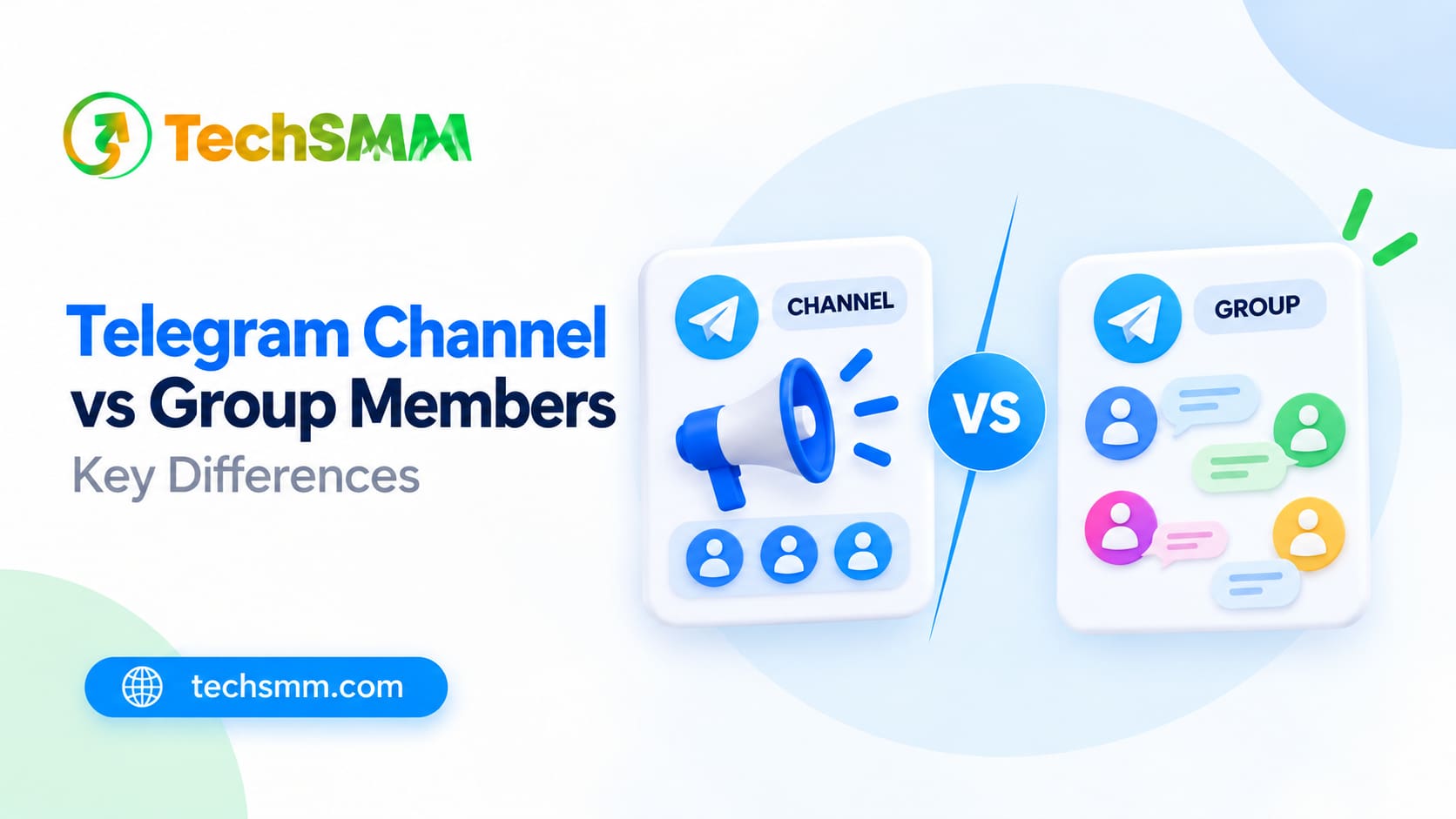
Telegram channels and groups serve different purposes. Channels help you share updates with subscribers, while groups let members chat, ask questions, and exchange ideas. Here are seven differences to consider before choosing one for your business or community.
1. Purpose and Communication
A Telegram channel is designed for sharing updates with your audience. You can post product launches, special offers, news, or announcements without unrelated conversations filling the feed.
A group gives everyone a chance to join the discussion. Members can ask questions, reply to messages, and share their experiences. For example, a clothing brand might announce new arrivals through a channel and use a group to answer customer questions.
2. Subscriber and Member Limits
Telegram channels have no subscriber limit. Whether you have 100 subscribers or a million, you can continue growing your audience without worrying about a membership cap.
Groups have a limit of 200,000 members. That's plenty of room for customer communities, educational discussions, and large interest-based groups. You can find both limits in the official Telegram FAQ.
3. Posting and Messaging Permissions
Only channel owners and authorized admins can publish posts to a Telegram channel's main feed. Subscribers can read updates, but they cannot post their own messages there.
Groups allow members to send messages, share files, and reply to conversations. Admins can adjust these permissions, restrict certain activities, or limit posting to administrators when needed.
4. Engagement and Interaction
Channels let subscribers react to posts, answer polls, and leave comments if you've connected a discussion group. Owners can also enable direct messages so subscribers can contact the channel privately. Telegram explains this feature in its update on channel direct messages.
Group members can start conversations without waiting for an admin to publish something. They can discuss products, exchange advice, and help other members. This makes groups useful for businesses that want regular customer feedback.
5. Privacy and Visibility
Both channels and groups can be public or private. People can find public communities through Telegram search, while private ones generally require an invitation or an invite link.
Channel subscribers cannot browse the full subscriber list. In groups, members can usually see other participants, although admins can hide the member list in eligible groups. This gives group owners more control over who can see members.
6. Admin Controls and Moderation
Channel admins control what gets published, manage subscribers, and update channel settings. Since ordinary subscribers cannot post directly to the main feed, there's generally less conversation to moderate.
Managing a group takes more attention. Admins can remove spam, restrict members, delete messages, and assign moderators. Telegram's group management documentation explains the permissions available to group administrators.
7. Content Reach and Analytics
Every Telegram channel post has a view counter. It shows approximately how many times people have viewed your content, including forwarded copies. Eligible channels can also access detailed statistics to track audience growth and post performance.
Groups focus more on conversations. Eligible large groups can access statistics about member growth, messages, and participation. These numbers can help you understand how active your community is and which discussions attract attention.
Telegram Channel vs Group Members: Comparison Table
A channel keeps your announcements in one place. A group gives your audience room to talk. If your business needs both regular updates and customer discussions, you can connect a channel to a group rather than choosing only one.
Which Telegram Option Fits Your Goals?
Your choice depends on how you want to connect with your audience. A channel works for sharing updates, while a group gives people room to talk. Some businesses need both, especially when they want to share announcements and answer customer questions.
When to Use a Telegram Channel
If you regularly share news, offers, or new content, a Telegram channel keeps everything in one place. You decide what gets published, and subscribers can follow your updates without scrolling through unrelated messages.
You can use a channel for:
- Product announcements: Introduce new arrivals, upcoming launches, and seasonal collections.
- News and updates: Share company news, event details, and important announcements.
- Content distribution: Send subscribers your latest blog posts, videos, and tutorials.
- Exclusive offers: Share discount codes, limited-time deals, and early-access promotions.
For example, an online clothing store can announce a new collection, share product photos, and direct subscribers to its website. Customers can check the latest offers whenever they want.
When to Create a Telegram Group
A Telegram group makes more sense when you want people to take part in conversations. Members can ask questions, share opinions, and help each other instead of waiting for an admin to publish something.
A group works well for:
- Customer support: Answer common questions about products, orders, and services.
- Community building: Bring together customers and followers with shared interests.
- Customer feedback: Ask members what they think about your products or upcoming features.
- Learning communities: Let students and professionals exchange knowledge and resources.
Imagine running an online training business. Your students could use a Telegram group to discuss lessons, share assignments, and get help from instructors. These conversations give members a reason to return.
When Using Both Makes Sense
You don't have to limit your business to one format. A channel can handle announcements and promotions, while a connected group gives customers a place to discuss those updates.
For example, an electronics store might announce a new smartphone in its channel. Interested customers could then use the linked discussion group to ask about specifications, prices, and availability.
Once you've decided how to use each format, you can explore Telegram growth services through TechSMM. Compare the available packages and their delivery terms, but remember that growing your numbers and building an active audience are two different things.
How to Link a Telegram Channel to a Group
Want your subscribers to comment on your posts? Link a discussion group to your Telegram channel. This gives people a place to ask questions and share opinions while keeping your main channel focused on updates and announcements.
Follow these six steps to connect your channel and group:
- Open your Telegram channel: Launch Telegram, select your channel, and tap its name at the top.
- Go to channel settings: Tap Edit or the pencil icon to open the settings menu.
- Find the Discussion option: Select Discussion to manage your channel's linked group.
- Choose a group: Select an existing group you manage or create a new one for your subscribers.
- Confirm the connection: Follow the prompts to link your group to the channel.
- Test the comments: Publish a new post and check whether subscribers can open its discussion and leave comments.
Once connected, your new channel posts can appear in the linked group. Members can reply, ask questions, and discuss your updates without interrupting your channel's main feed.
For example, an online store can announce a new product in its channel and let customers discuss prices, features, and availability in the connected group. You can also assign moderators and set posting rules to keep conversations organized.
If you want more people to see your announcements, read TechSMM's guide to increasing Telegram post views. It covers practical ways to improve content reach, encourage sharing, and track post performance.
Start by giving people a reason to join your channel or group. Choose a clear name, write a short description, and share content your audience actually wants. Promote your invite link through your website, social media profiles, and email newsletters. If your channel struggles to reach subscribers, TechSMM's guide to increasing Telegram post views covers practical ways to improve content visibility and encourage sharing.
Getting new members is only half the job. Keep them interested with useful updates, polls, and conversations about topics they care about. Check your post views, subscriber growth, and group activity regularly. Notice which posts get the most attention, try different posting times, and use what you learn to plan better content.
Should You Buy Telegram Subscribers or Group Members?
You can purchase Telegram subscribers to increase your channel's displayed subscriber count or group members to increase your group's membership. The right service depends on your goal, whether that's growing a channel for announcements or expanding a group for community discussions.
Before placing an order, check the service quality, delivery time, retention rate, and refill policy. Compare the available packages through TechSMM's SMM panel and read the service details carefully. Some members may leave after delivery, while others might never interact with your posts.
A higher member count doesn't guarantee more views, active discussions, or sales. Keep sharing useful content, respond to your audience, and give people a reason to stay.
Common Telegram Growth Mistakes to Avoid

Picking the wrong setup makes audience management a headache. If you only need to share news or product updates, starting an open group chat invites unnecessary chatter. Channels keep your updates in one place. A group without meaningful conversations, though, can quickly become inactive.
Don't get caught up in numbers, either. A huge member count means little if nobody reads your posts. If you're considering Telegram member services, check the delivery and retention terms before ordering. Too many sales pitches can drive members away, while poorly managed groups often fill with spam. Focus on post views, genuine discussions, and keeping your audience interested.
Final Thoughts
Deciding between a Telegram Channel vs Group Members setup comes down to one simple question: do you want a megaphone or a round table?
Channels give you full control over a clean, quiet feed that can reach unlimited readers, perfect for sharing news and quick updates. Groups give your audience a voice, making it easy for people to ask questions, trade ideas, and build a real community around your brand.
Choose the format that fits your main goal, or connect both if you want silent announcements with an attached chat space. Whatever route you take, focus on delivering genuine value and keeping people interested rather than chasing big, empty numbers.
Frequently Asked Questions
1. What's the main difference between subscribers and members?
Channel subscribers tune in to read one-way broadcasts published strictly by owners and admins. Group members join a shared chat feed where anyone can send text messages, drop files, and reply to each other in real time.
2. Is a channel better than a group?
It really depends on your goal. Channels work best if you want a clean, disturbance-free feed for announcements and news drops. Groups make way more sense if you're building a community, running a help desk, or collecting user feedback.
3. Can channel subscribers post messages?
Not on the main feed. However, if you link a discussion group to your channel, subscribers can jump in and leave comments right under your posts.
4. How many subscribers can a Telegram channel have?
There's no cap. You can scale a channel to millions of subscribers without hitting a limit, while standard groups max out at 200,000 members.
5. Can I turn a group into a channel?
No. Telegram doesn't let you flip a switch to convert a group into a channel. You'll need to set up a brand-new channel and drop an invite link inside your group so members can migrate over.